
Built for the people delivering care.
Caregivers, nurses, coordinators and managers each use WeHomeCare Connect differently. Here is what each of them does in it, and what it means for your organisation.


Your day, visit by visit.
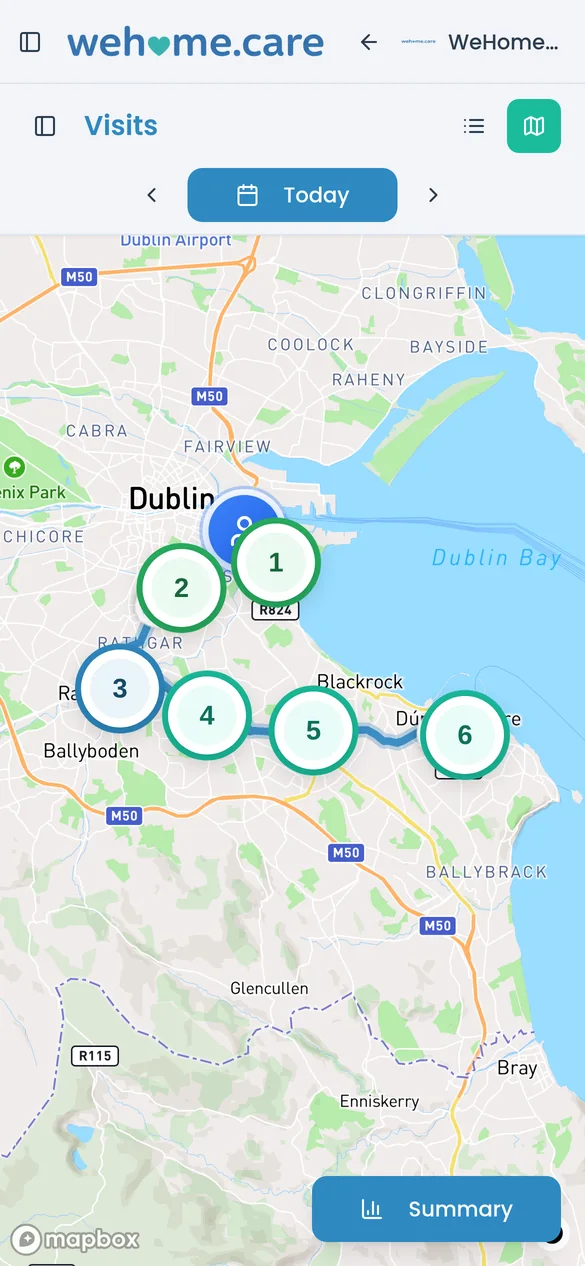
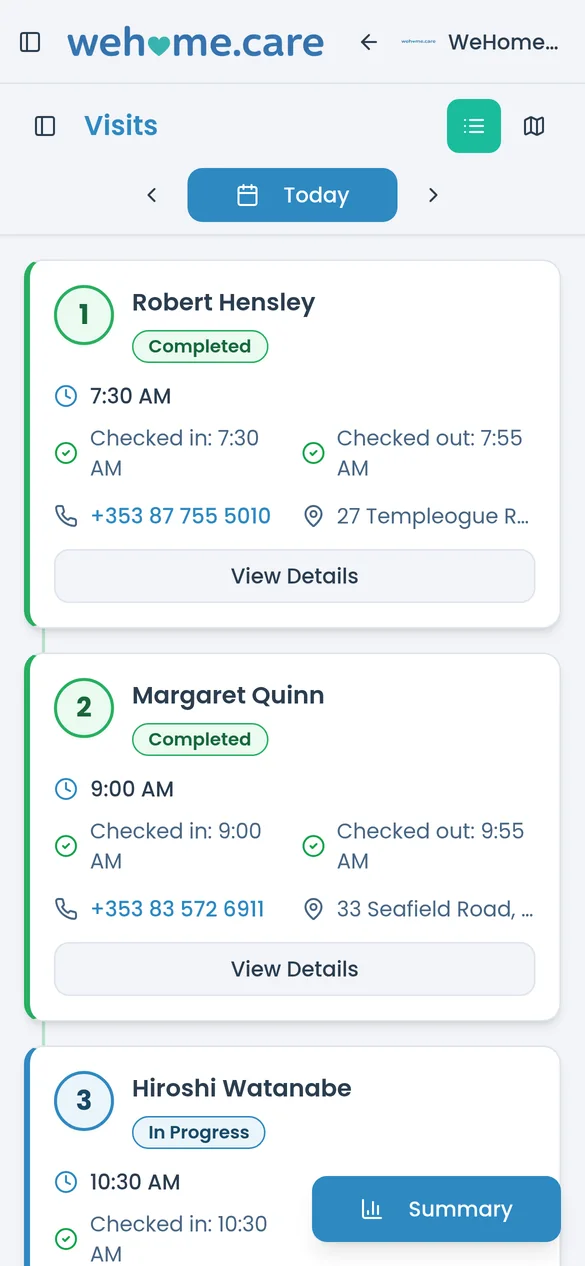
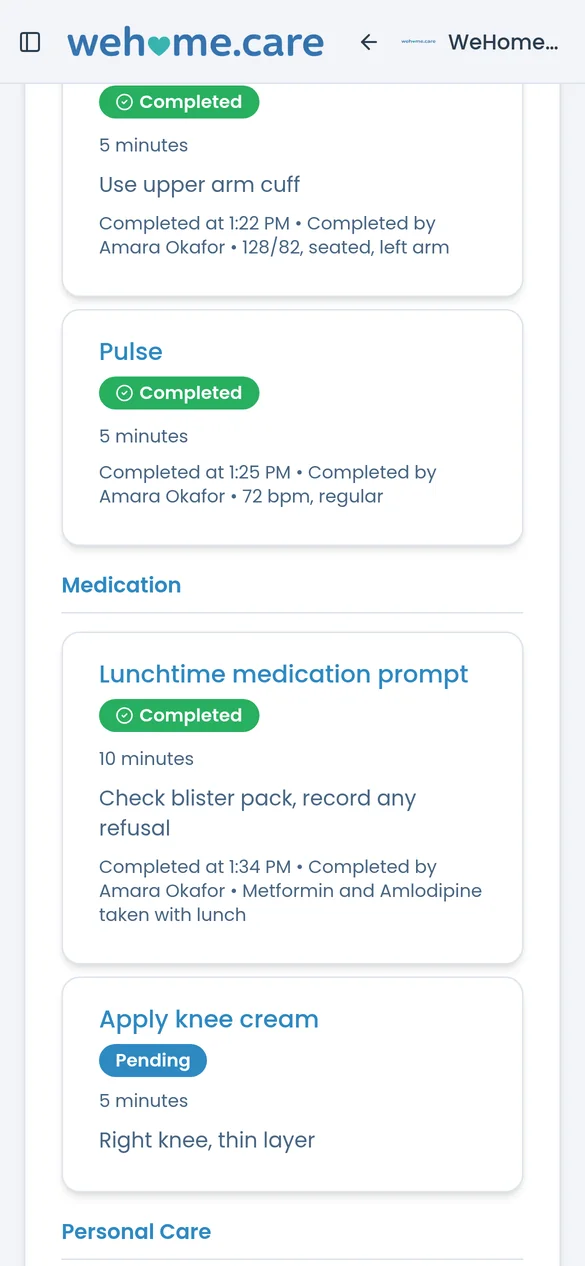
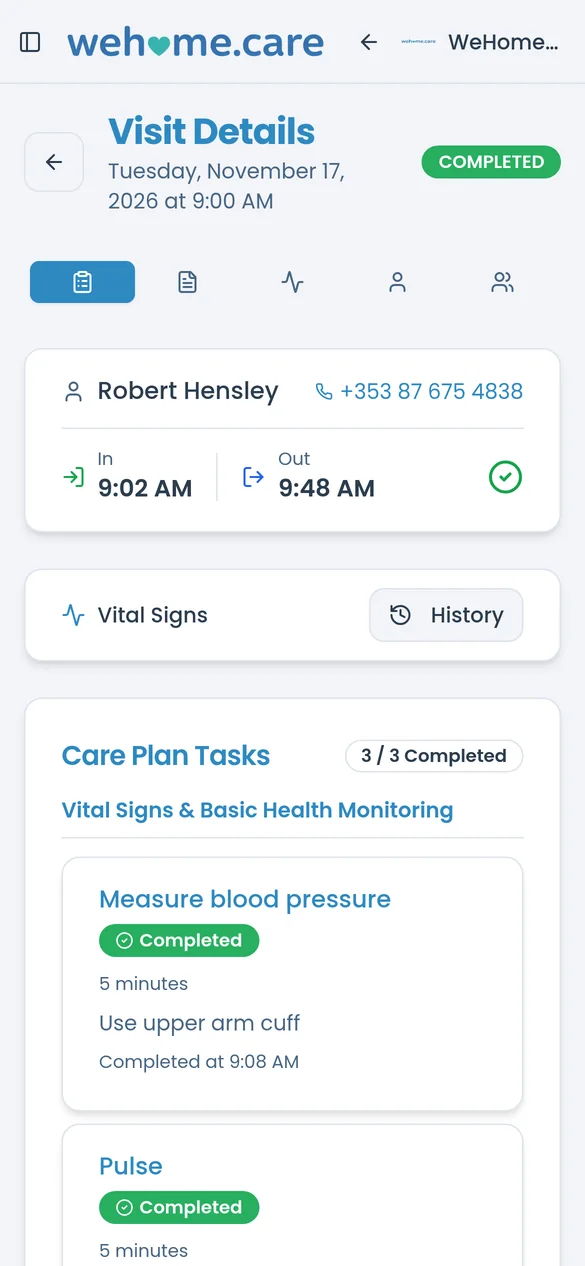
My Visits shows each caregiver their day on a phone or tablet: who to see, when, where, and what the care plan asks for at each visit.
- Today's visits in time order, with the route on a map.
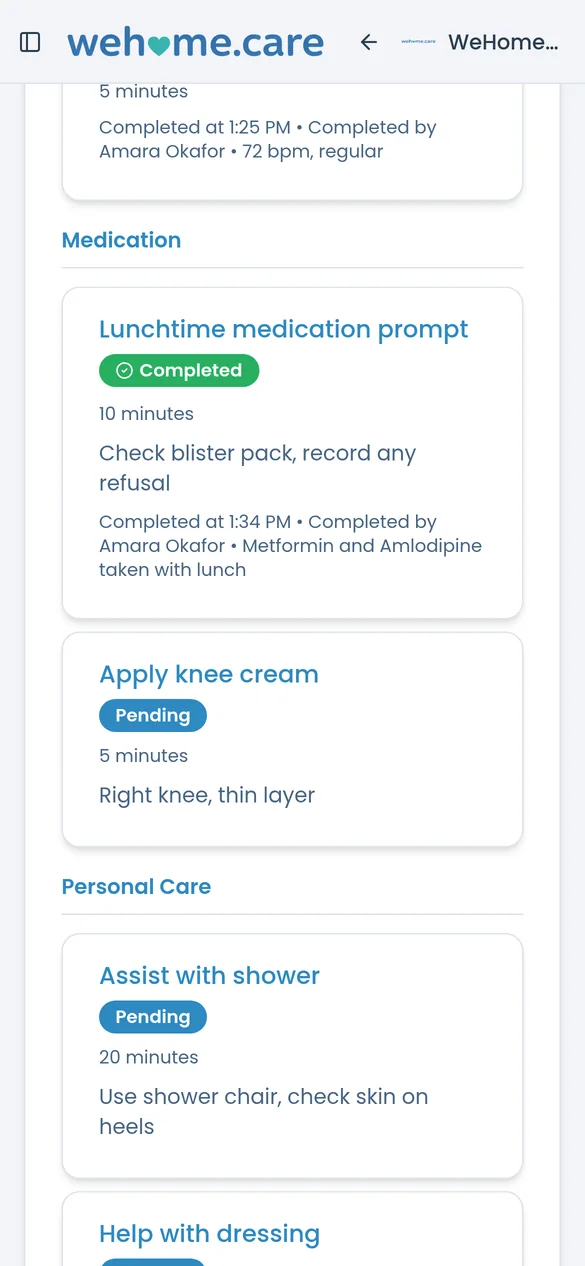
- Care plan tasks for each visit, ticked off as you go.
- Check in and check out with one tap.
- Record a reason when a task cannot be completed.
- Notes, vital signs and forms recorded during the visit.
Why it mattersCaregivers spend less time on paperwork after the visit, and the next person sees what was done.
Clinical detail, next to the visit.
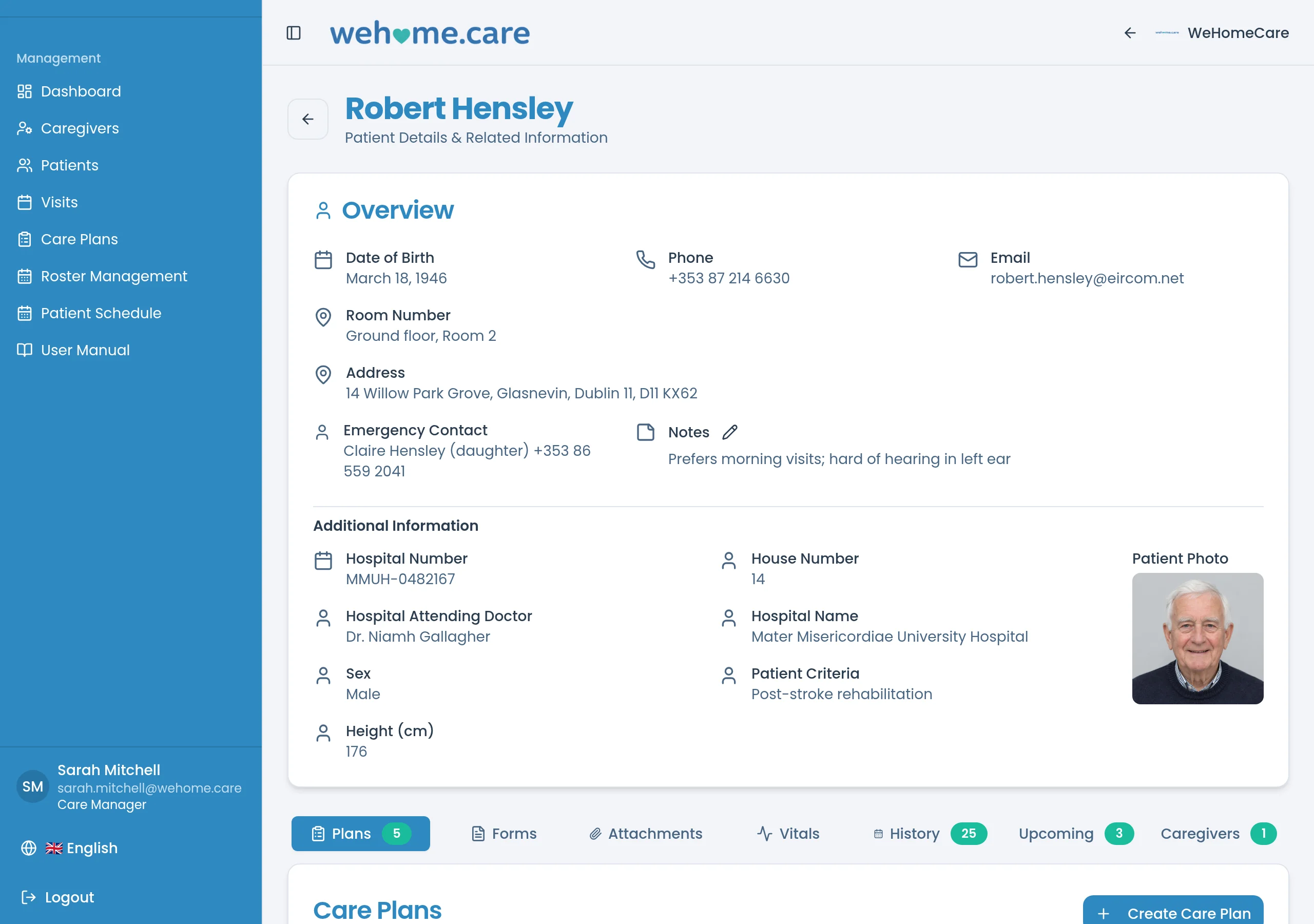
Nurses and clinicians record vital signs and complete assessments as part of the visit, and find earlier entries on the patient's record.
- Record vital signs during a visit.
- Review measurements over time.
- Complete your own assessment forms, with scoring.
- Keep previous entries on the patient's record.
- Find files and photos in the Attachments area.
Why it mattersClinical information stays connected to the visit and the patient, ready for the next review.
The whole service, at a glance.
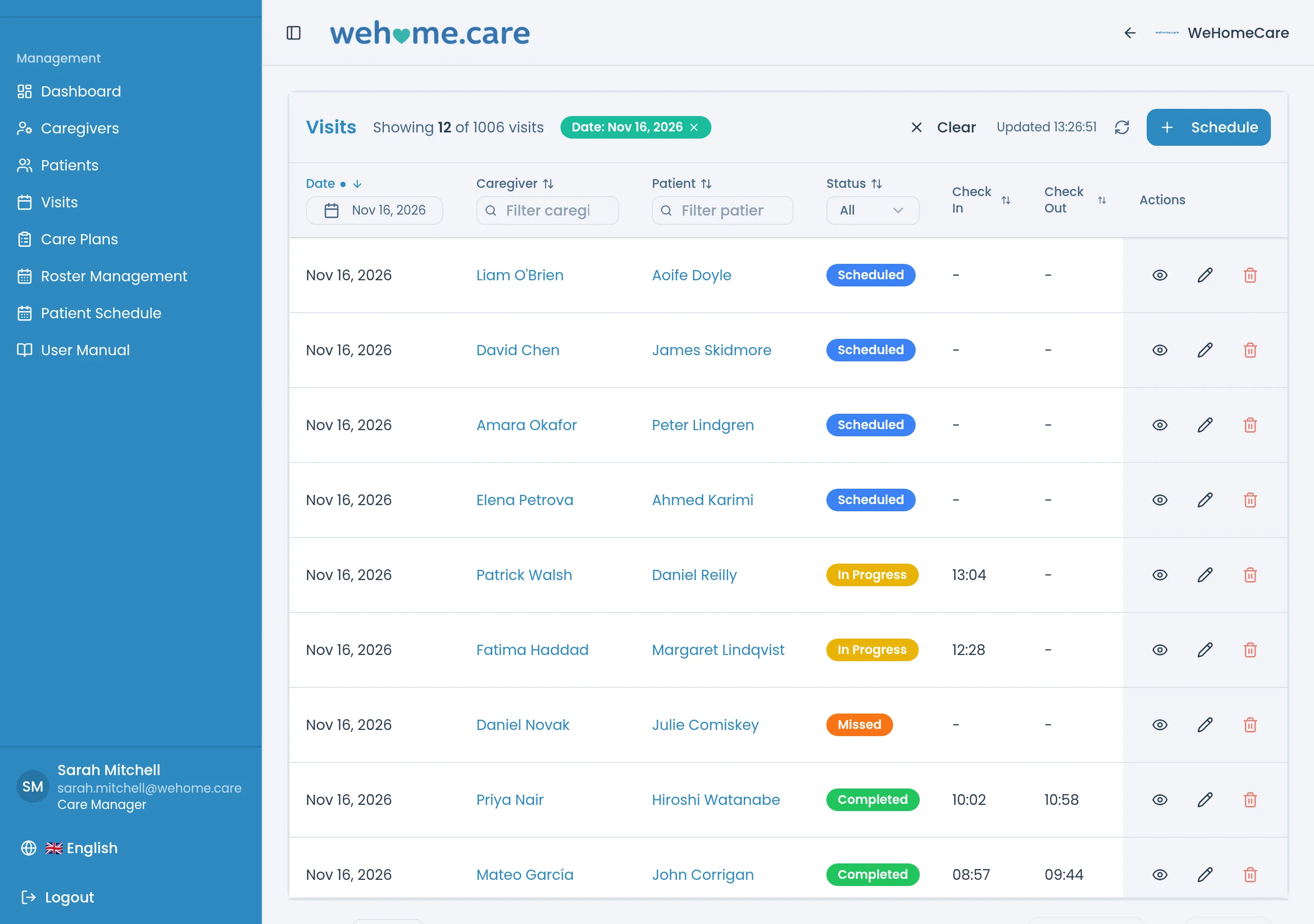
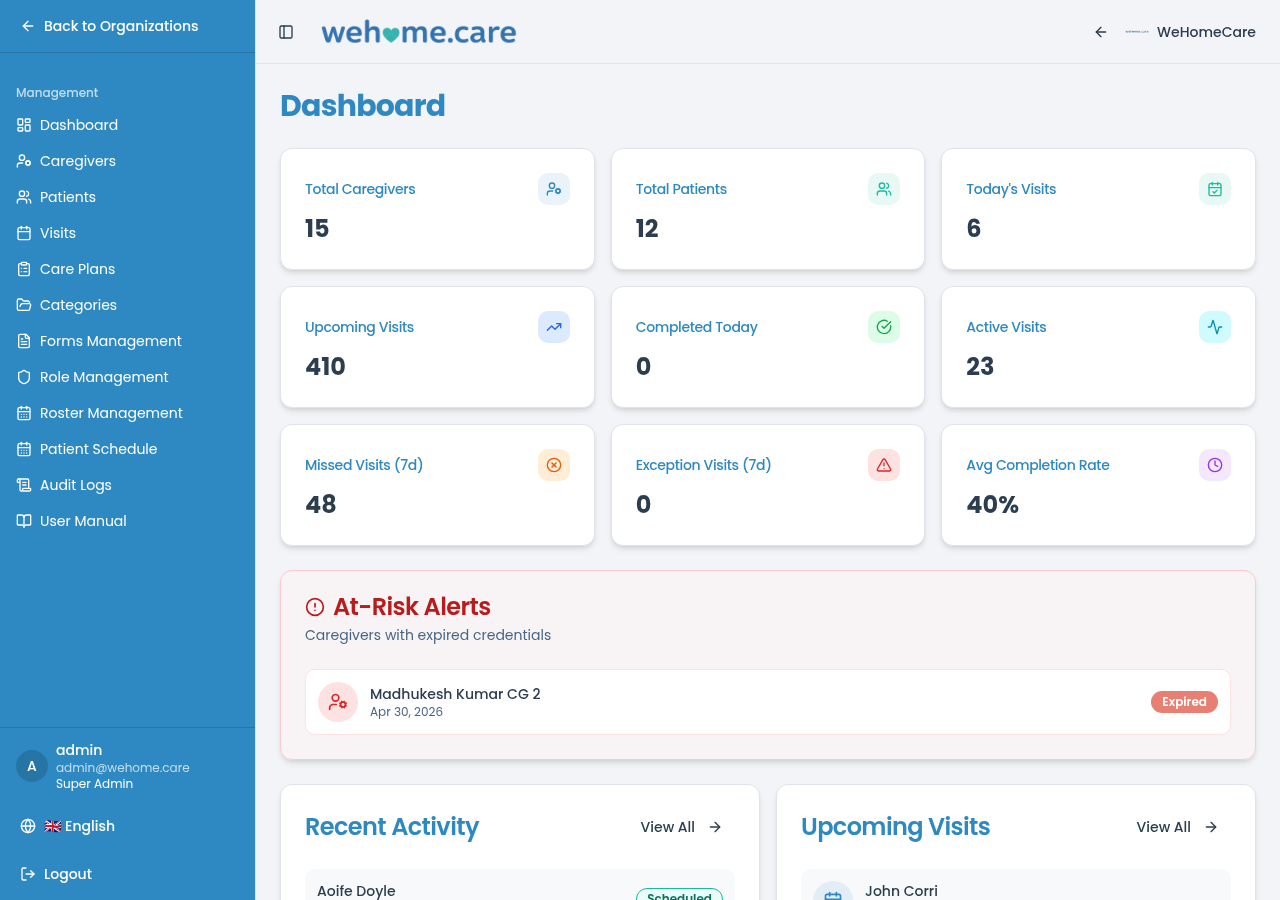
Managers and coordinators plan care, schedule visits and staff, and review what was recorded, from one dashboard.
- Build care plans and recurring visits from templates.
- Plan rosters by month, week or day.
- Follow visit status and see missed visits.
- Track credential expiry dates for every team member.
- Review notes, task outcomes and activity records.
Why it mattersPlanning and review happen in the same place as the care itself, so nothing is retyped between systems.
One workspace for your organisation.
Home care agencies, nursing teams and care homes use Connect as one shared workspace, set up with their own roles, brand and wording.
- Give each person access that fits their role.
- Add your organisation's logo and brand colours.
- Use your own web address where configured.
- Adjust wording to suit your organisation.
- Use the supported language options.
Why it mattersA workspace that looks and reads like your organisation is easier for your team to adopt.
FOR YOUR WHOLE TEAM
Show Connect to your whole team.
We'll walk through WeHomeCare Connect role by role, with your forms and visit patterns.