
HOW WEHOMECARE WORKS
A clearer way to plan, deliver and review care.
WeHomeCare brings the everyday parts of home-care management into one connected workflow. Set up your organisation, add patients and staff, create care plans, manage visits and review the information recorded by your team.
FIVE STEPS, ONE CONNECTED WORKFLOW
From initial setup to reviewing every visit.
Every care organisation has people to coordinate, visits to plan and information to keep organised. WeHomeCare connects these activities in a sequence your team can follow\u2014from setting up your organisation to reviewing the work recorded during care visits.
STEP 01
Start with a workspace that reflects your organisation.
Set up your organisation's WeHomeCare environment with its branding and available configuration options. Your organisation's logo, colours and web address can help make the platform familiar to your team. Available roles and permissions help define how different team members use the system.
- Configure organisation branding.
- Add your organisation's logo and available colours.
- Use your organisation's web address where configured.
- Review the available roles and permission settings.
- Configure available wording and language options.
Why it mattersA clearly configured workspace gives your team a consistent starting point for managing care activities.
Explore branding and language features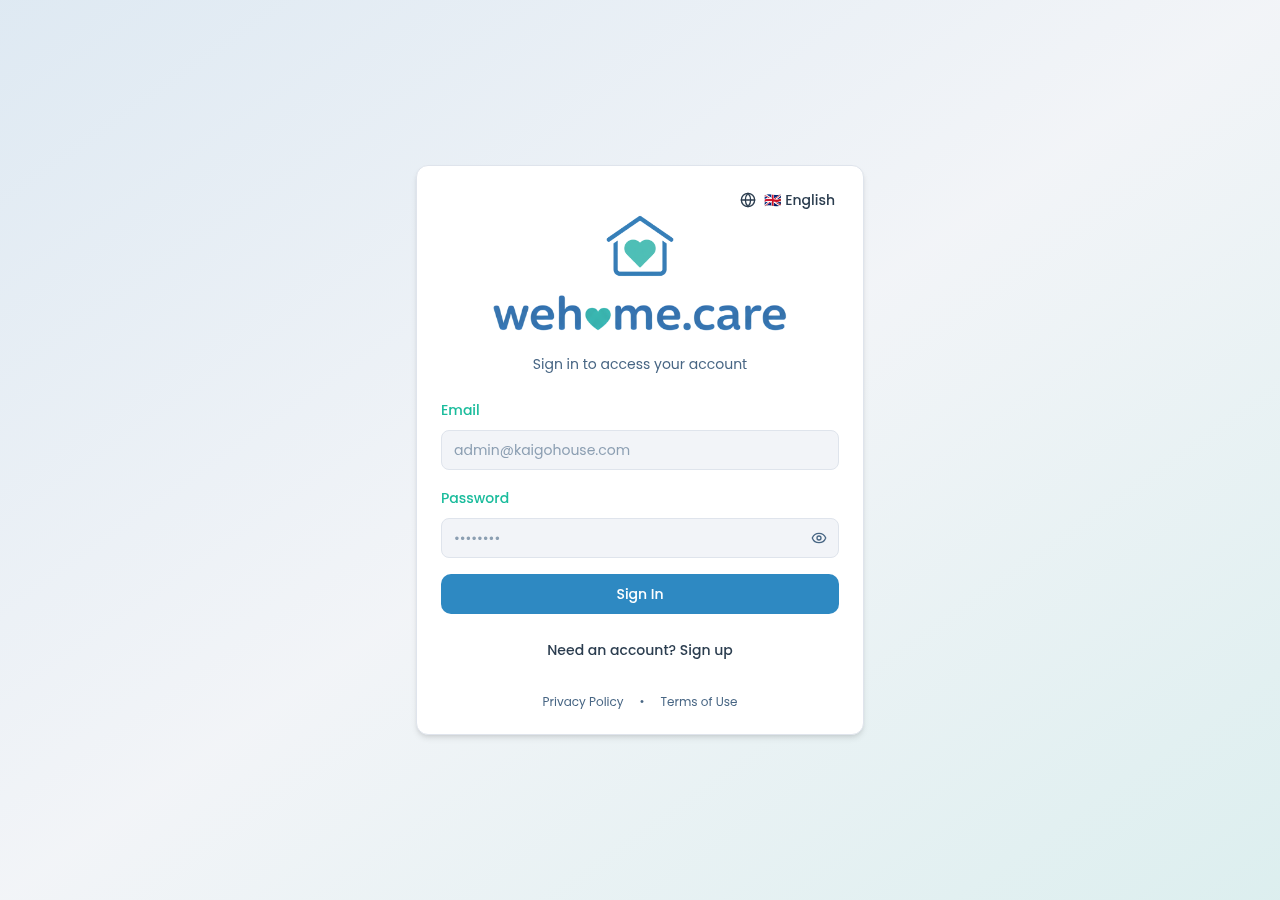
STEP 02
Bring your patients and team into one place.
Add patient records and team members so that relevant care information and staffing details can be organised within WeHomeCare. Team profiles can include roles, contact details and credential-expiry information. Staff can be configured with an app sign-in where required, and team members without an app sign-in can still be scheduled.
- Add patient details and maintain patient profiles.
- Add staff and their available role information.
- Record relevant staff contact and credential details.
- Configure app sign-in where applicable.
- Schedule eligible team members who do not have an app sign-in.
- Review patient and staff information in the appropriate areas of the platform.
Why it mattersOrganised patient and team information gives coordinators a clearer foundation for planning care and assigning visits.
Explore patient and team management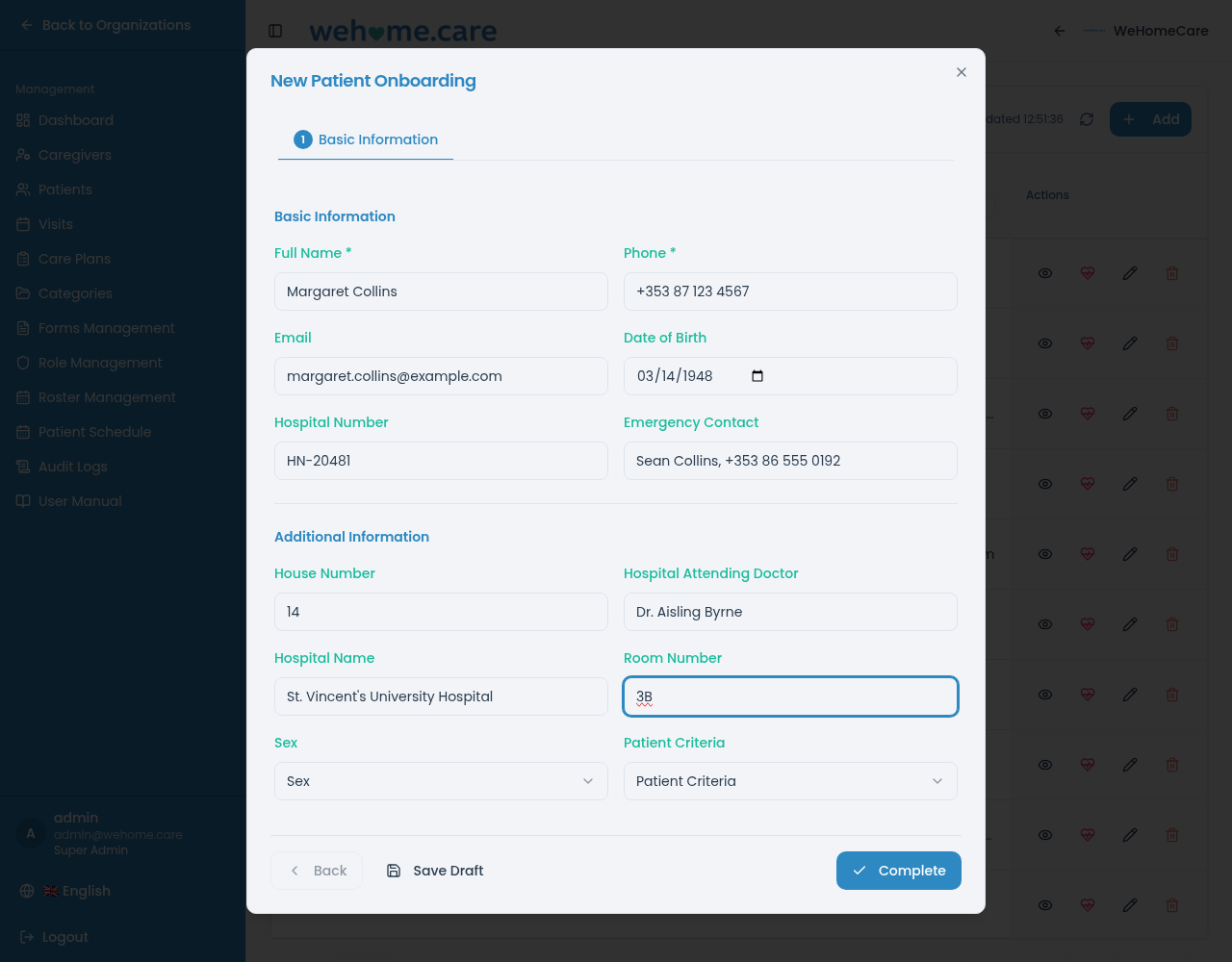
STEP 03
Turn care requirements into a planned schedule.
Create a care plan by selecting tasks from available ready-made lists and setting how frequently visits should take place. WeHomeCare can use the plan's recurring pattern to create scheduled visits. Care plans help define the work to be carried out, while visit schedules give coordinators a view of when care is planned.
- Create and reuse care-plan templates.
- Select tasks from ready-made task lists.
- Set recurring visit patterns.
- Preview how the plan appears to caregivers.
- Generate visits from the configured plan.
- Review visit schedules and staffing arrangements.
Why it mattersReusable plans and recurring scheduling can reduce repetitive setup and help teams organise visits further ahead.
Explore care plans and scheduling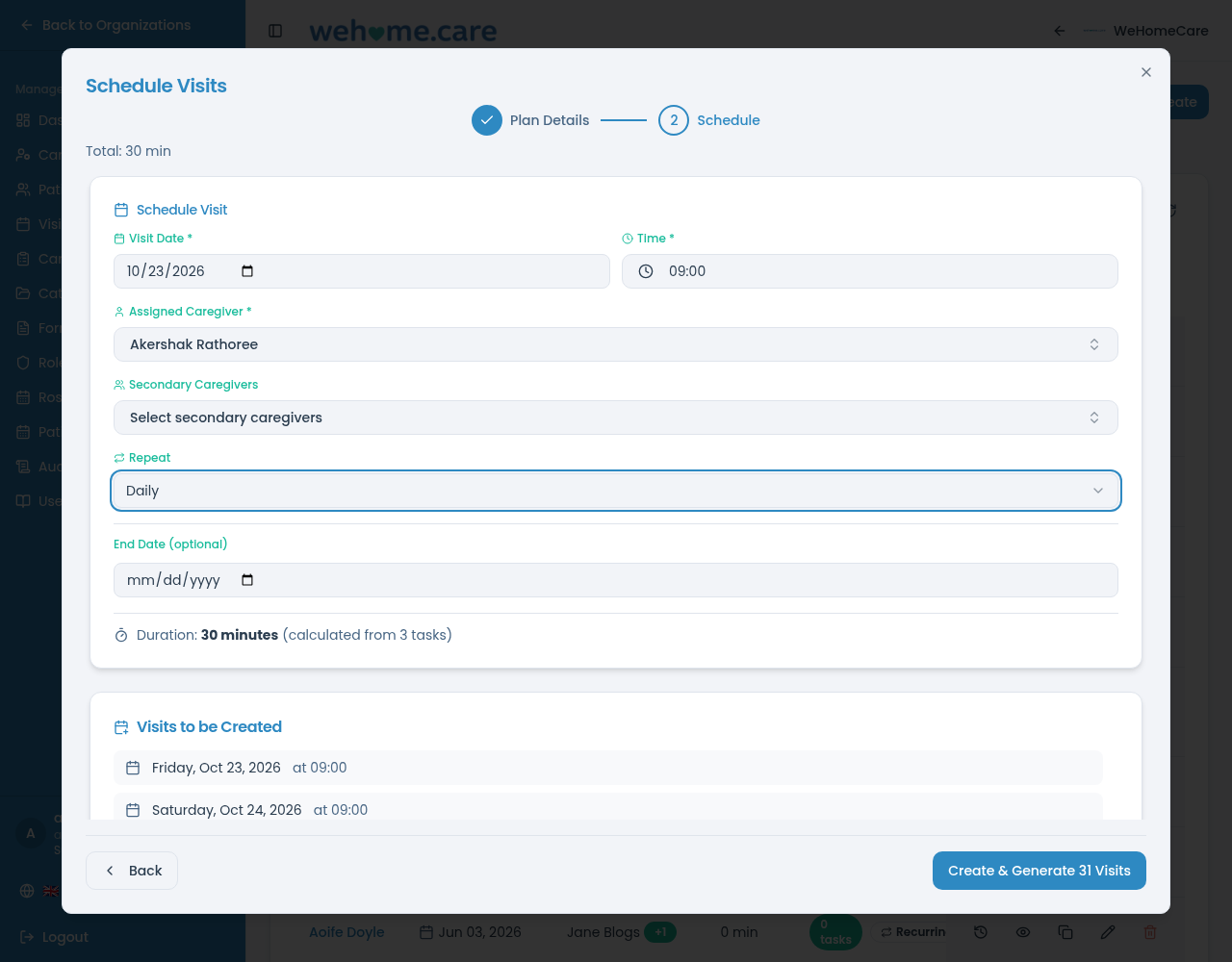
STEP 04
Give caregivers a clear view of their working day.
Caregivers can open My Visits on a phone or tablet to see their scheduled visits in time order. During a visit, they can check in, work through assigned tasks, record relevant information, complete available forms and check out. This gives caregivers a place to record visit activity as the work takes place.
- View today's scheduled visits.
- Use the available list or map view.
- Check in and check out of visits.
- Mark tasks as completed.
- Record a reason when a task cannot be completed.
- Record vital signs during a visit.
- Complete relevant clinical forms.
Why it mattersRecording information during a visit can reduce reliance on separate paper notes and later data entry.
Explore My Visits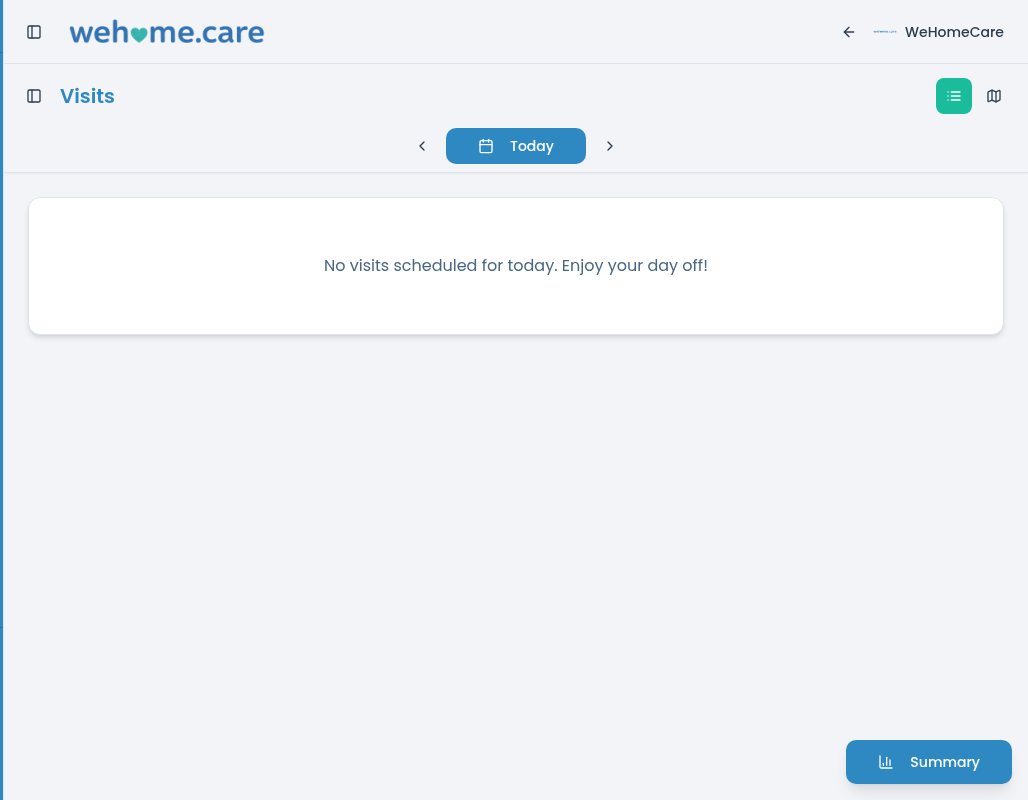
STEP 05
Review recorded information and respond to changing needs.
Managers can review available visit statuses, notes, task outcomes, clinical form entries, assessment scores and visit history. This information helps them understand what has been recorded and review how planned care is being delivered. Where a patient’s needs change, authorised team members can review the relevant information and adjust care plans as appropriate.
- Review visit status and history.
- Check available visit notes and task outcomes.
- Review completed clinical forms and assessment scores.
- Access patient information and recorded vital signs.
- Review roster and scheduling information.
- Make relevant care-plan changes using the available workflow.
Why it mattersBringing visit records and care information together helps managers review recorded activity without relying solely on separate updates or manual follow-up.
Explore management features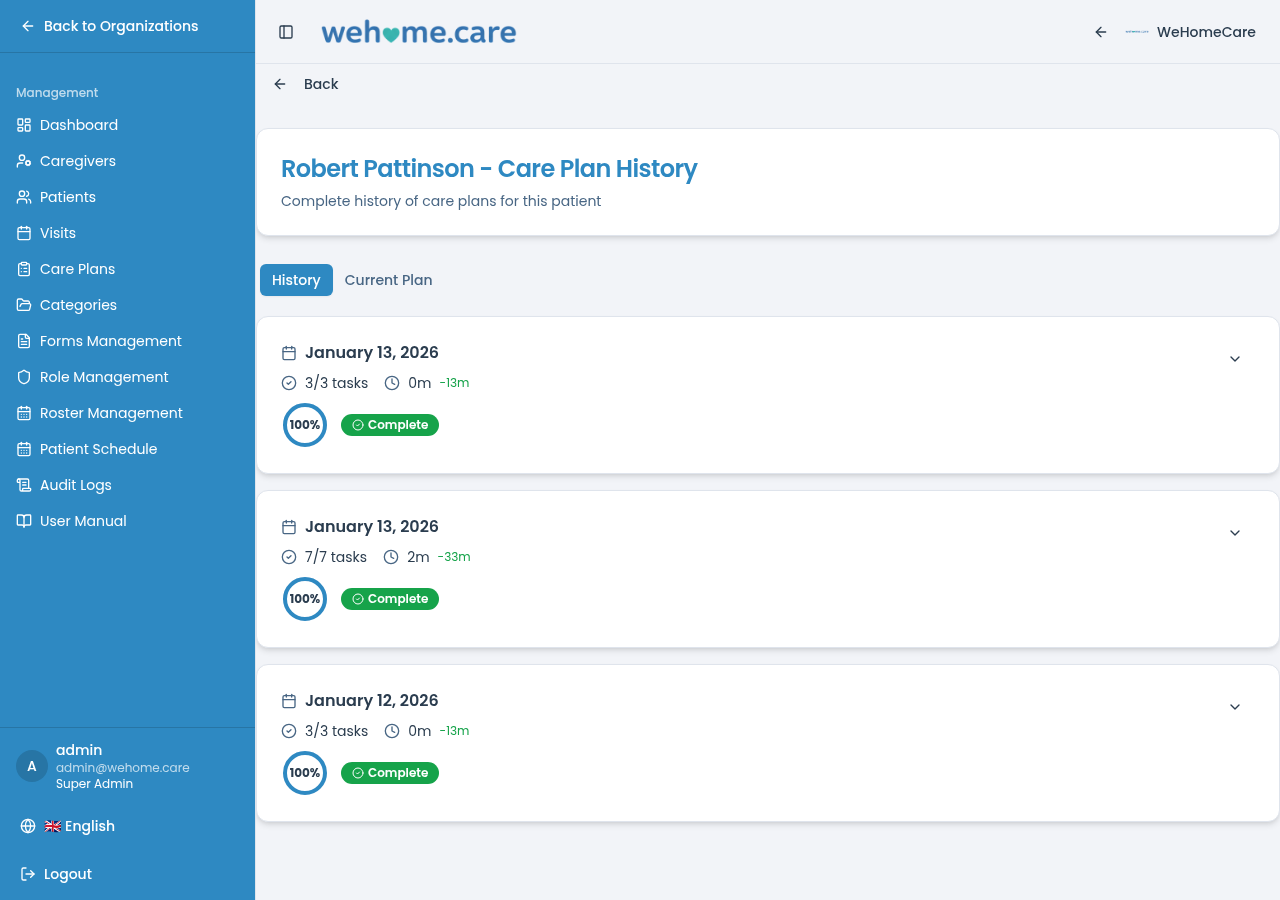
GUIDANCE FOR YOUR TEAM
Help your team understand the workflow.
WeHomeCare includes a user manual to help team members understand the interface and the tasks they carry out in the system. The guidance covers areas such as signing in, navigating the platform, finding visits, working with patient information, using care plans and rosters, and resolving common issues.
- Guidance for signing in and navigating the platform.
- Help with finding and working with visits.
- Information about patient records and care plans.
- Guidance for roster-related workflows.
- Troubleshooting information for common issues.
Why it mattersAccessible guidance helps team members refer back to the relevant workflow when they need assistance.
ONE CONNECTED PROCESS
Each step supports the next.
Setting up the organisation, organising patient and team information, planning care, completing visits and reviewing records are connected parts of the same workflow. WeHomeCare brings these activities together so the relevant information can be accessed in the appropriate part of the platform.
EXPLORE FEATURES
Explore the tools behind each step.
See how individual WeHomeCare features support the process of planning, delivering, recording and reviewing home care.
FAQ
Questions about how WeHomeCare works.
SEE IT IN CONTEXT
See how WeHomeCare could work for your team.
Explore how WeHomeCare brings care plans, visits, patient records, clinical forms and roster planning together in a workflow suited to your organisation.